
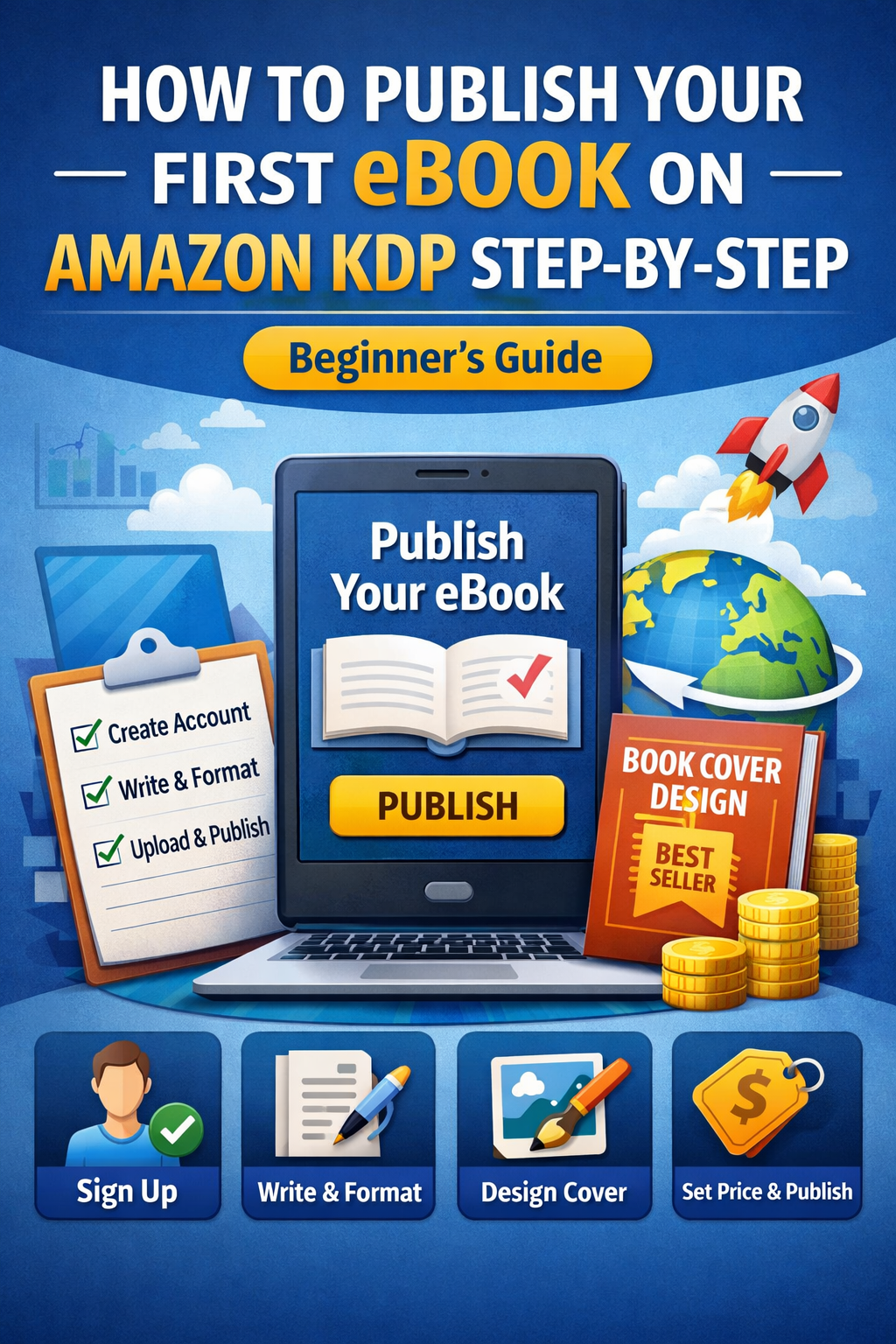
Publishing an eBook on Amazon Kindle Direct Publishing (KDP) is one of the easiest ways to become a published author and earn passive income online. You don’t need a publisher, technical skills, or upfront investment. Amazon handles printing, delivery, and payments—you just focus on creating the book.
In this step-by-step guide, you’ll learn exactly how to publish your first eBook on Amazon KDP, from account creation to clicking the “Publish” button.
What Is Amazon Kindle Direct Publishing (KDP)?
Amazon KDP is a free self-publishing platform that allows authors to publish eBooks, paperbacks, and hardcovers directly on Amazon. Your book becomes available to millions of readers worldwide, and you earn royalties on every sale.
Key benefits of KDP:
- Free to publish
- Global reach
- Full control over pricing and content
- Earn up to 70% royalties
Step 1: Create Your Amazon KDP Account
- Go to the Amazon KDP website
- Sign in using your Amazon account (or create a new one)
- Complete your author and tax information
- Add payment details to receive royalties
Step 2: Choose a Profitable eBook Topic
Before writing, choose a topic people are actively searching for. Successful eBooks usually solve a problem or fulfill a clear need.
Popular beginner-friendly niches include:
- How-to guides
- Self-improvement
- Business & online income
- Health & lifestyle
- Education for kids
Use Amazon search suggestions and competitor books to validate demand.
Step 3: Write Your eBook Content
Your eBook does not need to be long. Many successful eBooks are 3,000–10,000 words.
Basic structure:
- Title page
- Introduction
- Chapters (clear and well-organized)
- Conclusion
- Call-to-action (ask for a review)
Focus on clear language, short paragraphs, and real value.
Step 4: Format Your eBook for Kindle
Amazon accepts several formats, but beginner-friendly options include:
- Microsoft Word (.docx)
- Kindle Create (free Amazon tool)
Formatting tips:
- Use simple fonts
- Avoid complex designs
- Use headings properly
- Insert page breaks between chapters
Preview your book carefully using Amazon’s previewer.
Step 5: Design a Professional Book Cover
Your cover is the first impression of your eBook.
You can create a cover using:
- Canva
- Professional designers
- Amazon cover size guidelines
A good cover should:
- Match your niche
- Be readable in thumbnail size
- Look professional, not cluttered
Step 6: Create a New eBook on KDP Dashboard
- Log in to your KDP dashboard
- Click “Create” → Kindle eBook
- Enter book details:
- Book title and subtitle
- Author name
- Book description (SEO-optimized)
- Keywords (7 slots)
- Categories
Write a compelling description that highlights benefits, not just features.
Step 7: Upload Your eBook and Cover
- Upload your formatted manuscript
- Upload your cover file
- Use Kindle Previewer to check layout on different devices
Fix any errors before proceeding.
Step 8: Set Pricing and Royalty Options
You can choose:
- 70% royalty (recommended for most eBooks)
- 35% royalty
Set a competitive price, usually between $2.99 – $9.99 for beginners.
You can also enroll in KDP Select to earn from Kindle Unlimited reads.
Step 9: Publish Your eBook
Once everything looks good:
- Click “Publish Your Kindle eBook”
- Amazon reviews your book (usually within 24–72 hours)
- Your eBook goes live on Amazon
Congratulations—you are now a published author!
Common Mistakes to Avoid
- Poor cover design
- Weak book description
- No keyword research
- Copying content from other books
- Publishing without proofreading
Avoiding these mistakes greatly increases your chances of success.
Final Thoughts
Publishing your first eBook on Amazon KDP is simple when you follow the right steps. Start small, focus on quality, and keep learning. Many successful authors began with just one simple eBook.
If you stay consistent, Amazon KDP can become a powerful long-term income stream